 Save Image As
WEBP to JPG and PNG
Stop getting WEBP files you can't open. Convert them while you save.
Right-click an image, pick a format, done. Or download every image on a page in one go. Everything happens in your browser.
Add to Chrome, it's freeUsed by 7,000+ people every week
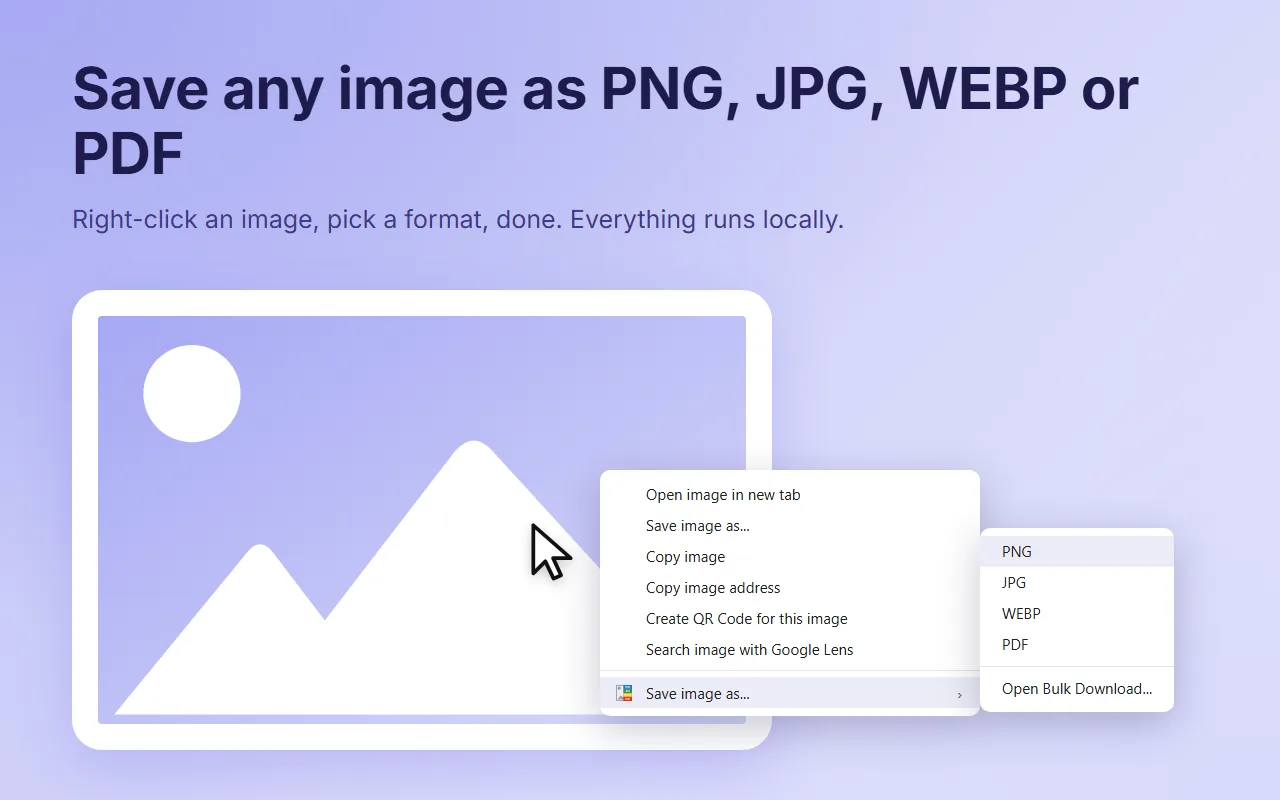
On any image, on any website.
Open "Save image as..." and choose PNG, JPG, WEBP or PDF.
The converted image lands in your downloads.
Stop getting WEBP files you can't open. Convert them while you save.
Turn any image into a PDF page sized to fit, ready to print or share.
Transparent backgrounds become white when you save as JPG.
Conversions at 92% quality, at the original resolution.
Any website, any image you can right-click.
Interface in English, Italian, Spanish, Portuguese, French and German.
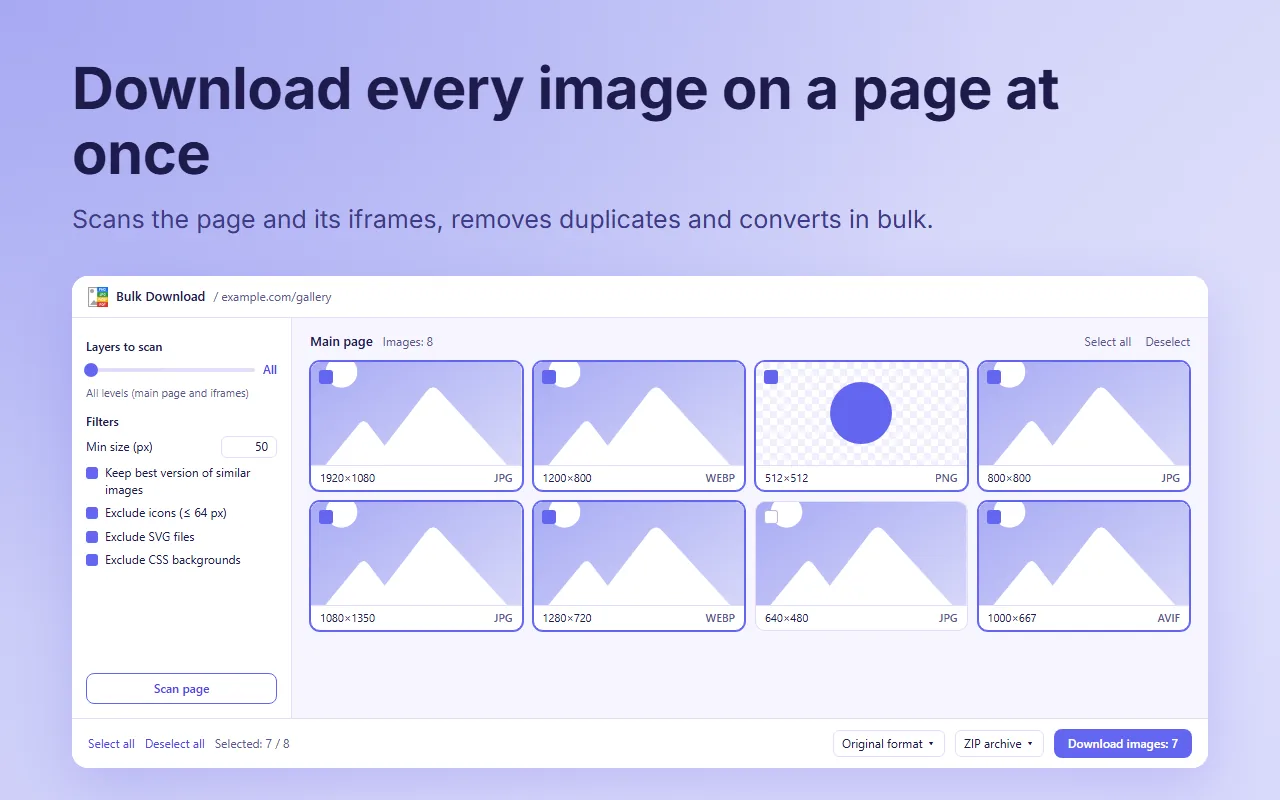
Right-click anywhere on a page and choose "Open Bulk Download...", or open it from the extension icon. Press "Scan page" and get every image on the page, iframes included.
No accounts, no servers, no analytics, no tracking. The conversion runs inside your browser and the extension stores nothing about you.
Read the privacy policyYes, completely free, with no ads and no premium version.
Yes. Right-click the page and choose "Open Bulk Download...", press "Scan page" and download every image, as original or converted to PNG, JPG or WEBP. Duplicates and icons are skipped automatically.
Yes. You can save a WEBP image as JPG or PNG, and any JPG or PNG as WEBP.
Some sites block access to their images or show them in ways the browser can't read (for example inside a canvas or a protected video). In those cases no extension can convert them.
Single images open the usual "Save as" window. Bulk downloads go to your default downloads folder.
It is built for Chrome, but Chromium-based browsers that accept Chrome Web Store extensions usually work too.
No. Read the privacy policy for the details.
Write to us: we read every message and answer in English, Italian and Spanish.
Send an email